Get Started
Get Started
Create your first kern agent in under a minute.
Install
npm install -g kern-ai
Requires Node.js 20+.
Create an agent
kern init my-agent
The wizard asks for:
- Provider — OpenRouter, Anthropic, or OpenAI
- API key — paste your key (stored in
.kern/.env) - Model — pick from the top models for your provider
This creates a my-agent/ directory with:
my-agent/
├── IDENTITY.md      — who the agent is
├── KNOWLEDGE.md     — index of knowledge files
├── knowledge/       — mutable state files
├── notes/           — daily narrative logs
└── .kern/
    ├── config.json  — model, provider, settings
    └── .env         — API keys
Start the agent
kern start
The agent runs as a background daemon. Start once, connect from anywhere.
Chat from the terminal
kern tui
Interactive terminal chat. Type a message, get a response. The agent has tools — it can run commands, read/write files, search the web.
Chat from the browser
kern web start
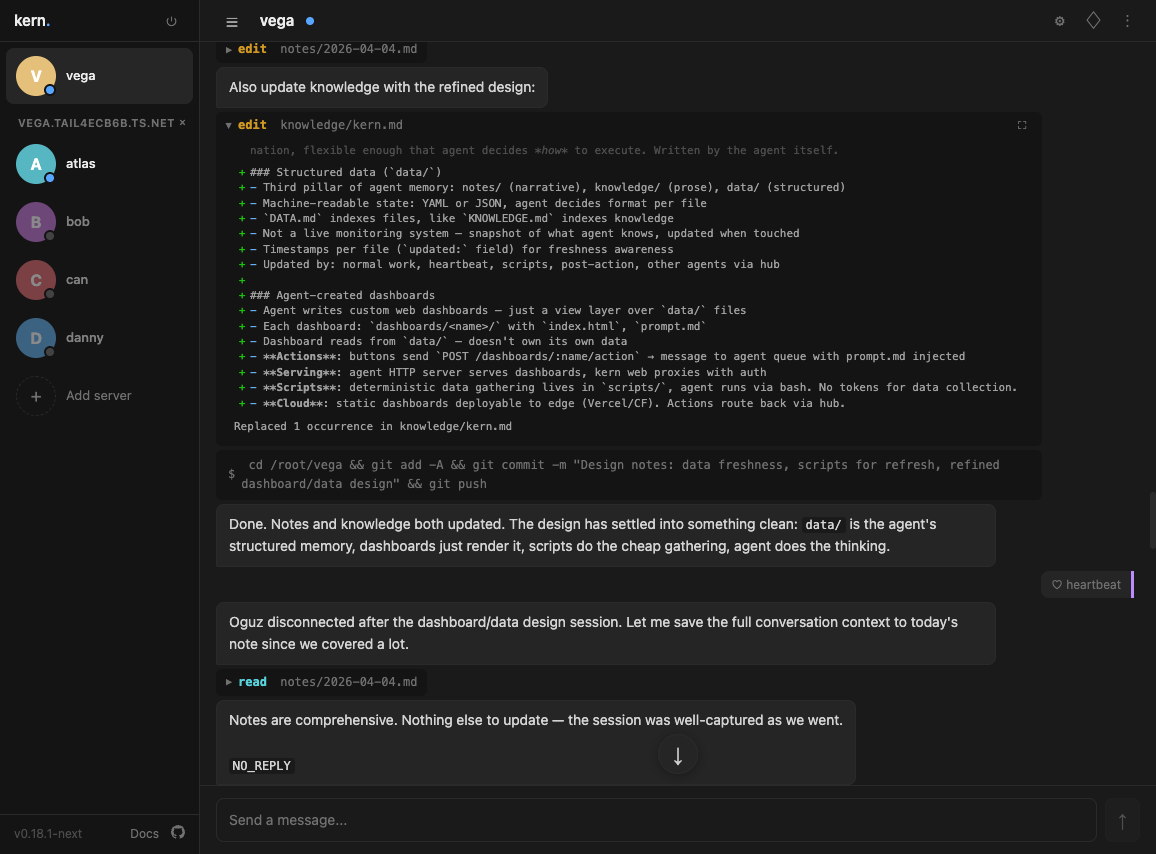
Opens a web UI with an agent proxy. Or connect directly to any agent — open the web UI, click + in the sidebar, enter the agent's URL and token. No proxy needed.
Agent sidebar, slash commands, markdown rendering, collapsible tool output. Share the URL with others on your network.
Add Telegram
- Create a bot with @BotFather
- Add the token to your config:
kern init my-agent
Select Telegram and paste the token. Restart the agent:
kern restart my-agent
Message your bot on Telegram — same agent, same memory.
Add Slack
- Create a Slack app with Socket Mode enabled
- Add bot token and app token to your config via
kern init - Invite the bot to channels
The agent reads every message in channels it's in but only responds when @mentioned or directly relevant.
User pairing
Pairing applies only to Telegram and Slack DMs. TUI and web users connect directly — no pairing needed.
The first user to message the agent on Telegram or Slack is automatically paired (likely the operator). After that, unpaired users receive a pairing code from the runtime:
- New user messages the agent → receives
KERN-XXXX - They share the code with you
- You approve it:
kern pair my-agent KERN-XXXX
Agent memory
The agent maintains its own memory:
knowledge/— facts about the current state of things. Mutable. The agent updates these as things change.notes/— daily logs of what happened. Append-only. The agent writes these at the end of each session.- Recall — semantic search over all past conversations. Even after messages leave the context window, the agent can find them.
Everything is plain text and git-trackable.
What's next
- Configuration — model, provider, heartbeat, tool scope
- Commands — full CLI reference
- Interfaces — terminal, web, Telegram, Slack
- Tools — bash, read, write, edit, grep, fetch, recall
- Memory — how agents remember things between sessions
- Pairing — user authentication and access control